
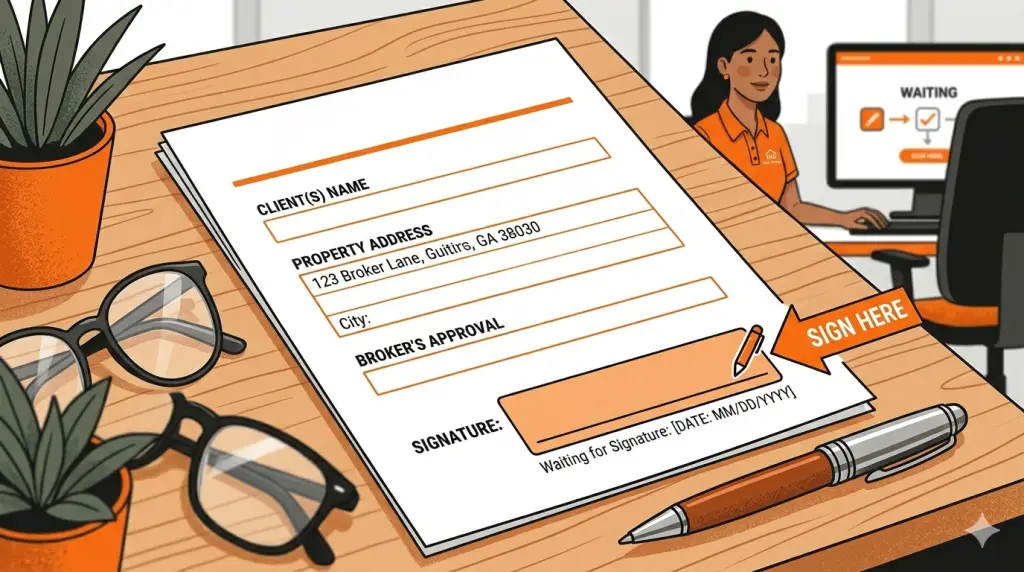
This article explains when a broker signature is required, how to request one, and what slows the process down.
Broker signatures are not cosmetic.
They are legal approvals.
Submitting these requests correctly keeps transactions moving and avoids last‑minute issues.
When a Broker Signature Is Required
A broker signature is required any time a document:
- Legally binds the brokerage
- Involves compensation or referral fees
- Alters commission structure
- Commits the broker to a third party
- Is required by a title company, MLS, or another brokerage
If the document affects the brokerage, the broker must sign it.
Common Documents That Require a Broker Signature
Broker signatures are commonly required for:
- Referral fee agreements
- Referral fee disbursement authorizations
- Commission or compensation agreements
- Listing agreements where the broker is the contracting party
- Certain affidavits or closing-related documents
- Brokerage-level disclosures or amendments
If you are unsure whether a broker signature is required, assume that it is and ask before submitting.
How to Request a Broker Signature
All broker signature requests must be submitted through the Agent Hub using the broker signature request form.
Emailing documents directly or sending text messages delays the process and increases the risk of errors.
Submitting through the Hub:
- Creates a tracked request
- Ensures the correct version is reviewed
- Keeps communication centralized
What to Submit With Your Request
To avoid delays, submit:
- The final, complete document
- All pages included
- All other required signatures already applied
- Clear context explaining what the document is and why it needs to be signed
Documents must be fully filled out.
Blank fields will result in the request being returned.
What We Will Not Sign
Broker signature requests will be returned if:
- Fields are incomplete or blank
- Terms are inconsistent with the transaction
- The document conflicts with brokerage policy
- Required supporting documents are missing
- The document is a draft or marked “sample”
The broker cannot guess intentions or fill in missing details.
Timing Expectations
Broker signatures are not instant.
Requests should be submitted as early as possible, especially if tied to:
- Closings
- Referral payments
- Commission disbursements
- Deadlines imposed by third parties
Last‑minute requests limit flexibility and can delay transactions.
After Submission: What Happens Next
Once submitted:
- The document is reviewed for completeness
- Terms are checked for alignment with the transaction
- Any issues are flagged through the support request
- The broker signs once requirements are met
- You are notified when the document is complete
If clarification is needed, responding in the same request keeps the process moving.
A Simple Rule of Thumb
If the document:
- Mentions money
- Mentions the brokerage
- Creates an obligation
It needs a broker signature.