
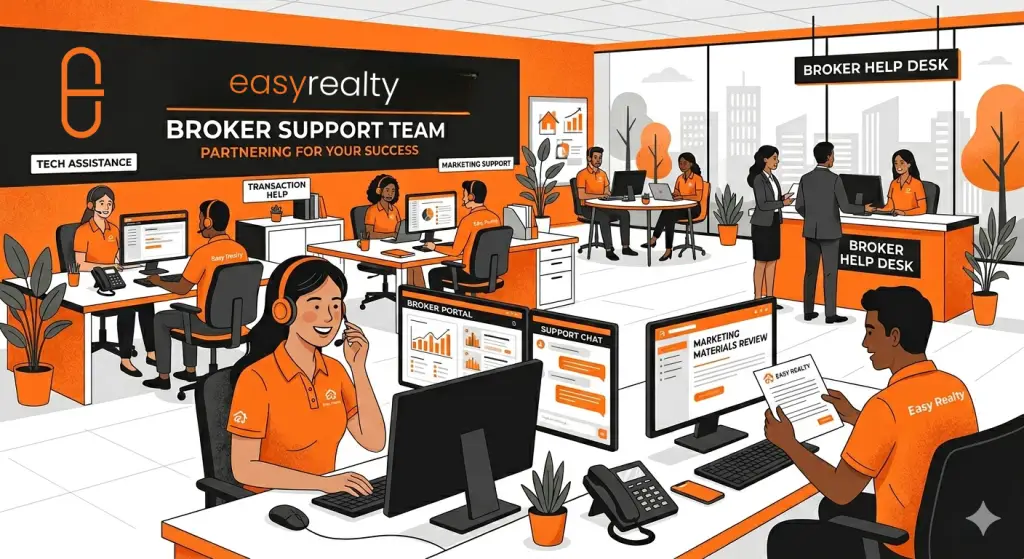
This article explains how support requests are handled at Easy Realty, what happens after you submit one, and how to get the fastest resolution.
Support is not ad hoc.
It is structured so nothing falls through the cracks.
Understanding the process helps everyone move faster.
How Support Is Initiated
Support requests are created when you submit a form inside the Agent Hub, such as:
- CDA requests
- Broker signature requests
- Payment-related submissions
- Other operational requests
Submitting a form creates a tracked support request rather than relying on email or text messages.
This is intentional.
Why We Use Tracked Requests
Tracked requests allow Easy Realty to:
- Assign ownership internally
- Maintain a clear record of what was submitted
- Follow the request through resolution
- Ensure nothing is missed or forgotten
Email-only requests or side conversations make it harder to track status and slow things down.
What Happens After You Submit
Once a request is submitted:
- The request is logged and reviewed
- Information and documents are checked
- If anything is missing, you will be contacted
- The request is processed or escalated internally as needed
- You are notified when the task is completed or requires action
If additional information is needed, responding inside the request keeps everything moving.
How to Get the Fastest Resolution
The fastest way to get support is to:
- Submit complete information the first time
- Upload all relevant documents
- Respond promptly if clarification is requested
- Update the existing request instead of starting a new one
Multiple submissions for the same issue slow resolution.
What Support Is Designed For
Support requests are intended for:
- Transaction and payment-related items
- Documentation and broker signatures
- Closing and timing issues
- Operational questions tied to an active deal
They are not designed for general education or strategy questions.
What to Use the Knowledge Base For
For general questions about:
- Policies
- Definitions
- How brokerage rules work
- Common scenarios not tied to a live transaction
The Knowledge Base at kb.easy.realty is the right place to look first.
This keeps support focused on time-sensitive work.
Timing and Expectations
Support requests are handled in the order received, with priority given to:
- Active transactions
- Items tied to scheduled closings
- Payment-related issues
Submitting requests early gives more flexibility and avoids urgency-driven errors.
A Simple Rule of Thumb
If the request affects:
- A closing
- A payment
- A document that must be signed
Submit it through the Agent Hub.